Encoding Recovery
Free · No login required
Convert CSV and text files to UTF-8 (with BOM) so they open correctly in Excel. Files are never sent to any server.
Choose a file
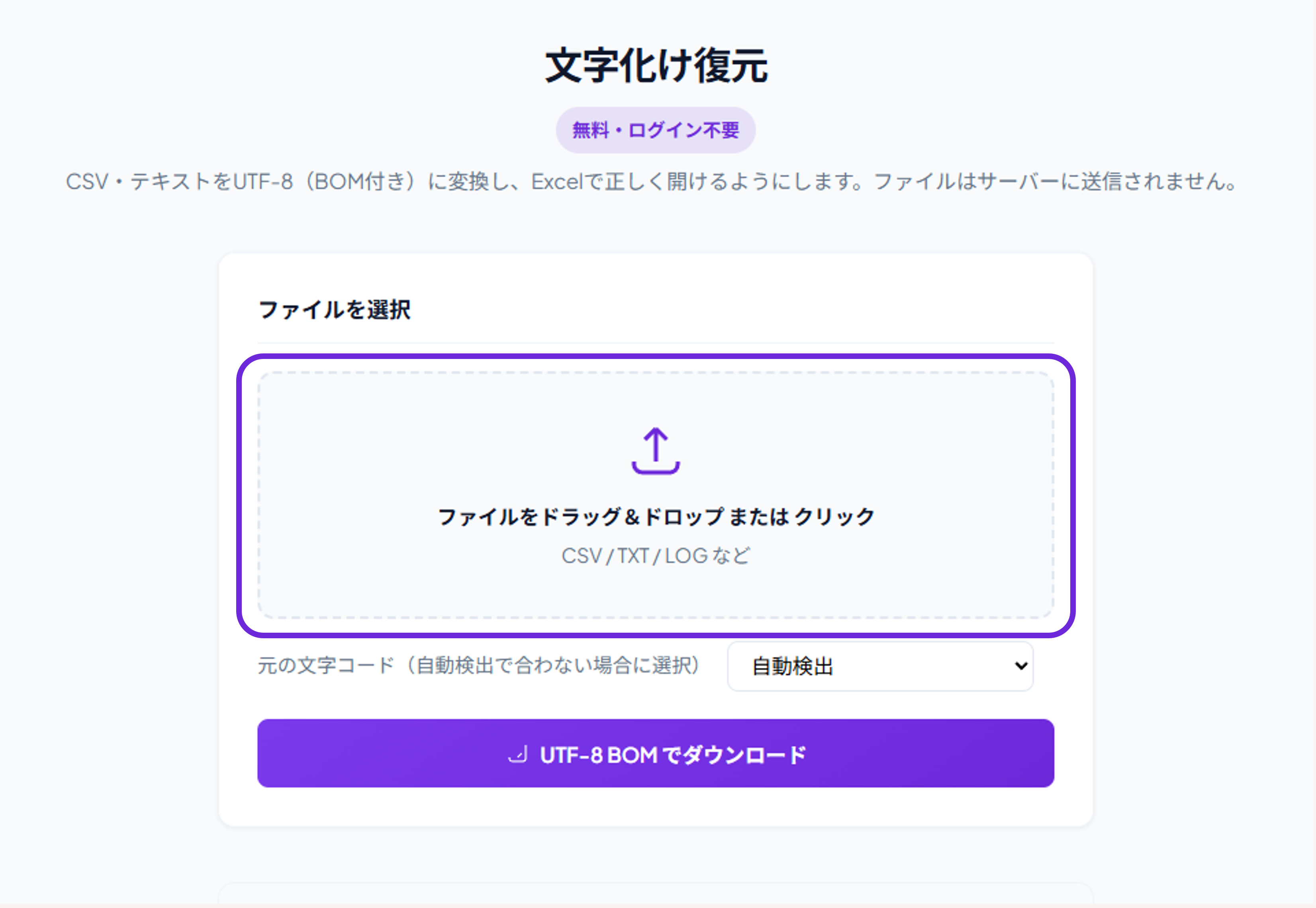
Drag & drop a file or click
CSV / TXT / LOG etc.
How to fix encoding
Detail guide
Step 1
Select file
Drag and drop or click to select a garbled CSV, TXT, or LOG file in the «Select file» area. Processing is done only in your browser; nothing is sent to a server.
Supported formats: CSV, TXT, LOG, and other text files.
Source encoding is auto-detected. Shift-JIS, EUC-KR, CP949, etc. are detected automatically; you can change it manually under «Source encoding».
Check «Detected» and the preview to confirm the result before continuing.
Click «Download UTF-8 BOM» to save a file that opens correctly in Excel. The filename will be fixed_originalname.
Free to use, no login required.